Your facilities, accurately reflected
Every club has different courts: clay or indoor, with or without floodlights, named after sponsors and patrons. The tennis court booking system reflects all of this, without any programming.
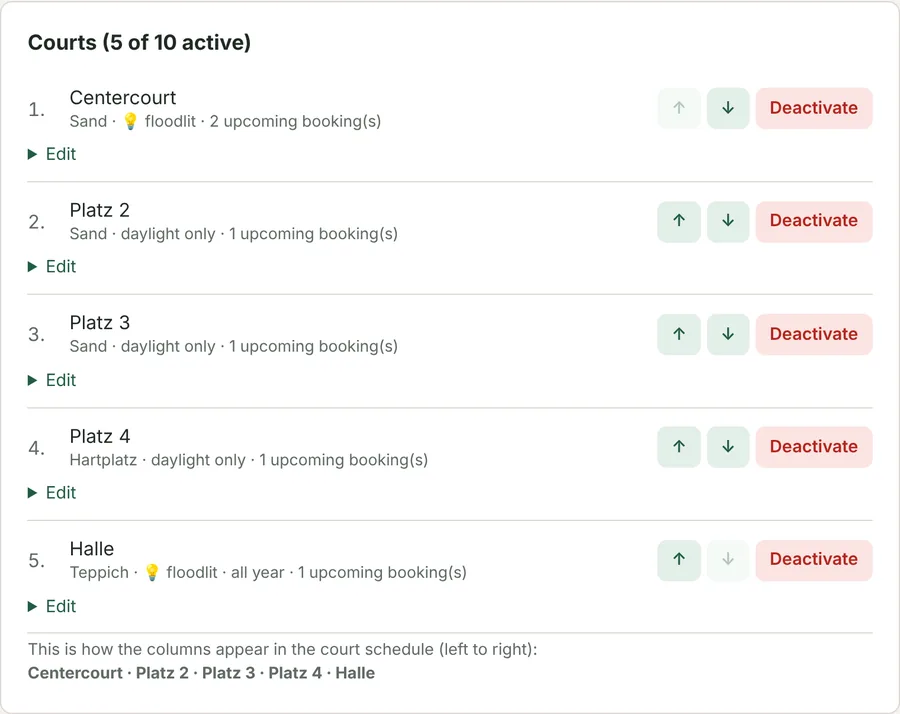
Up to ten courts, named as you like
Each court gets its own name and surface – from the centre court to a sponsor's court. You set the order of the columns in the court schedule with ↑ ↓. A court that is no longer used is deactivated rather than deleted; past bookings are kept.
Light or dark – the system knows
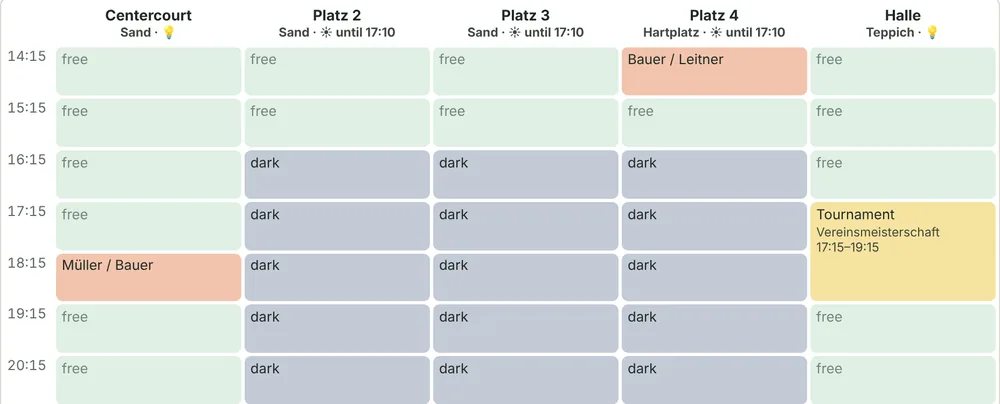
Courts without floodlights can only be booked while it is light enough. The column header shows until when – on this November day until 17:10. Floodlit courts and the indoor court remain bookable until closing.
Daylight function set up in two minutes
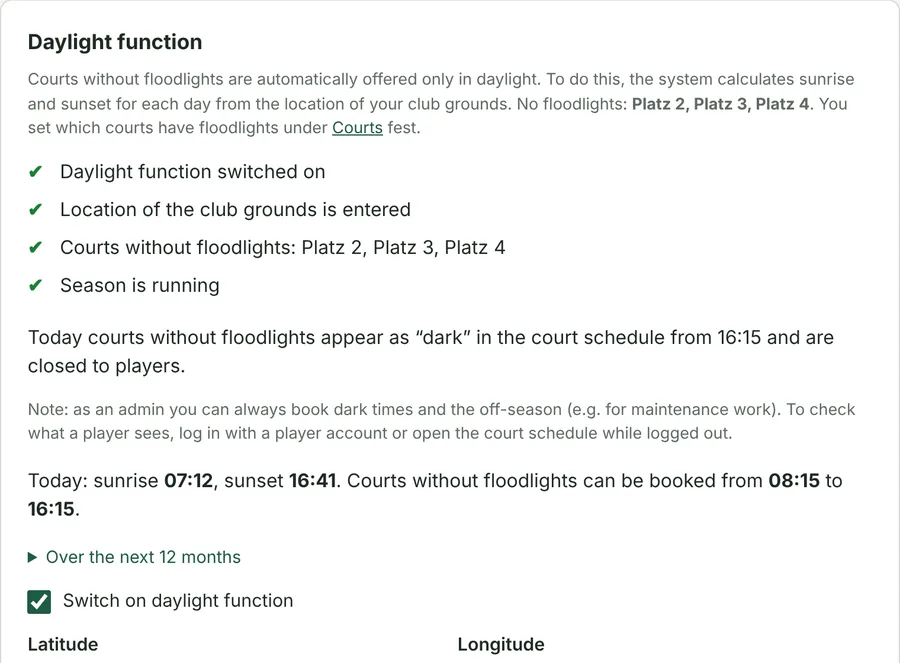
Simply paste the coordinates of the club grounds from Google Maps – the system calculates sunrise and sunset for every day, including daylight saving time. A checklist shows whether everything is in place. If mobile floodlights are allowed, dark times can just be marked instead of closed.
Season, indoor courts and opening hours
With a season start and end, the outdoor courts are closed automatically in winter while the indoor court stays bookable all year round. Opening hours can be set to the quarter hour; a booking lasts one hour or a multiple of it. Changes are refused as long as they would conflict with upcoming bookings.
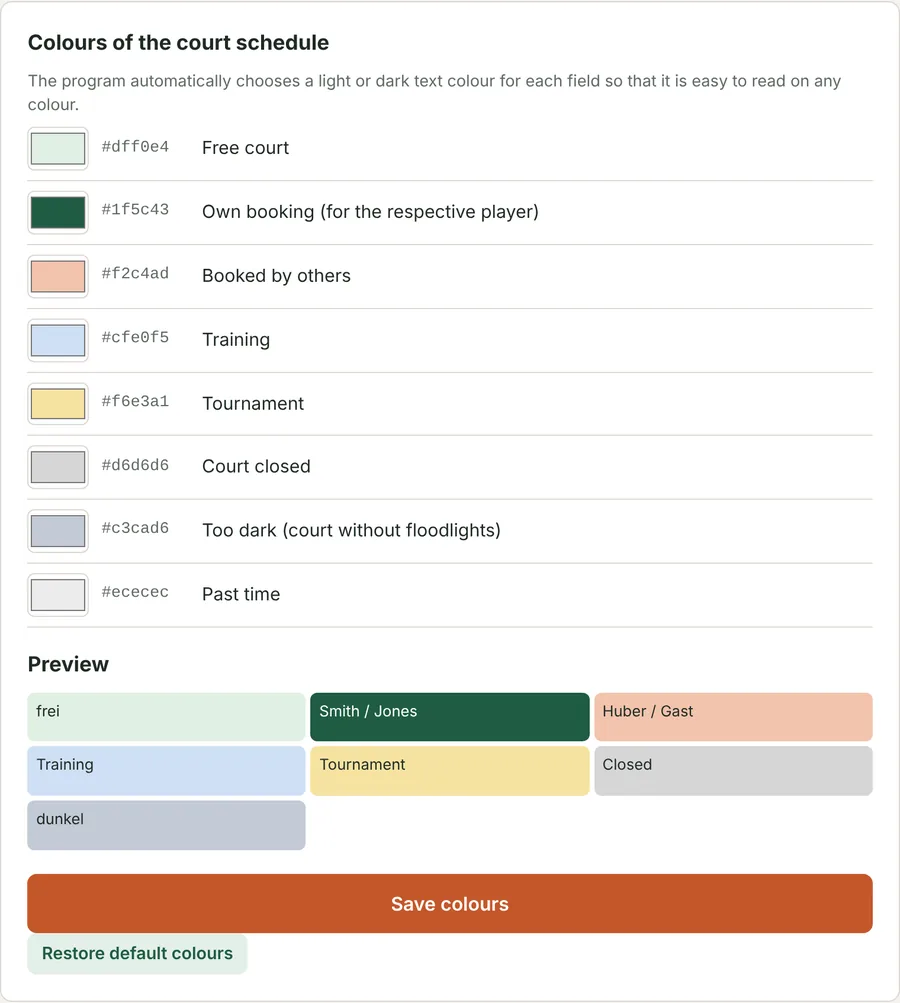
In your colours
Free, own, booked, training, tournament and closed times get the colours that suit your club. The preview shows the result immediately, and the text colour is set to light or dark automatically so it stays readable.